Digital wardrobe
Your wardrobe on your phone, from one photo
A digital wardrobe is a photo list of your clothes on your phone. In Glassrobe you lay your clothes on the bed and take one shot, or pick photos of you wearing them from your gallery; AI separates the pieces and suggests their type, colour and name. You check them, and the pieces hang on the rail and in the grid.
Last updated:
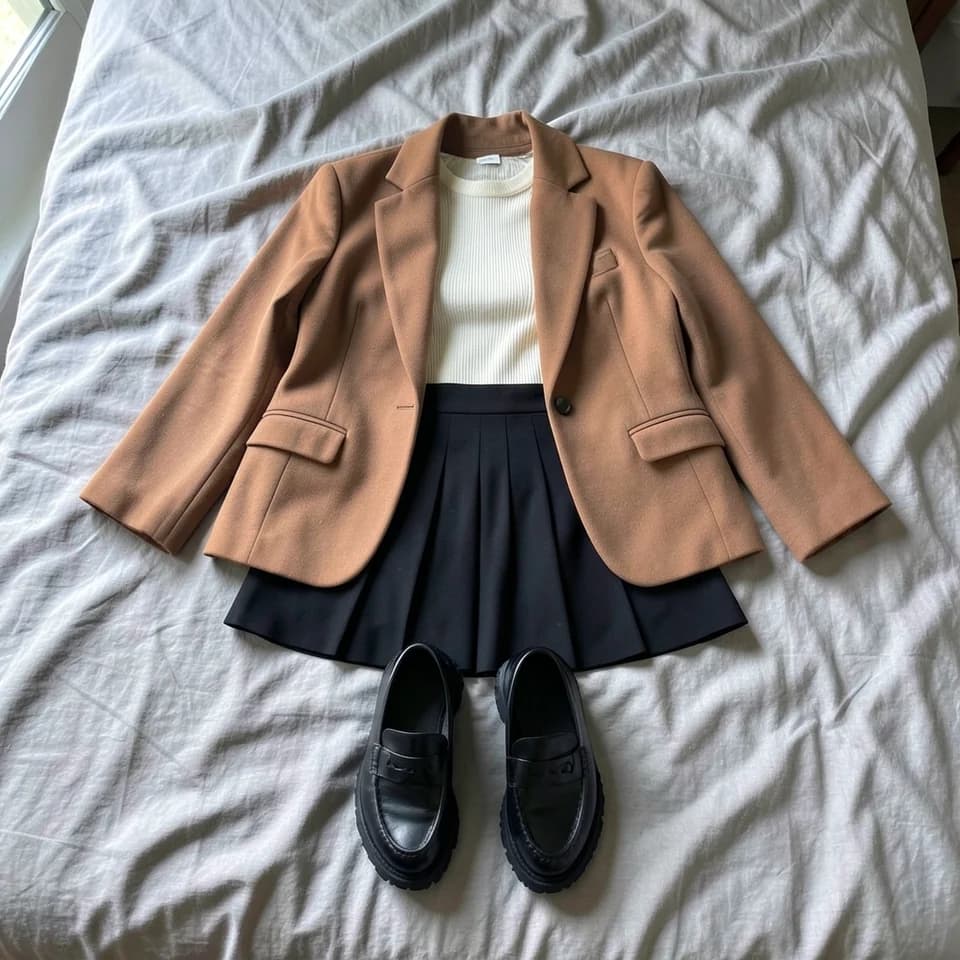
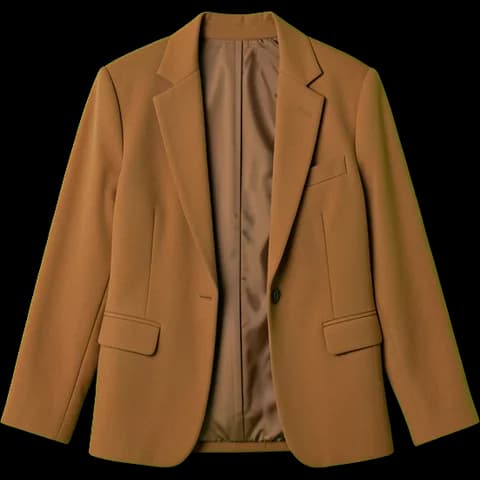 Camel blazer
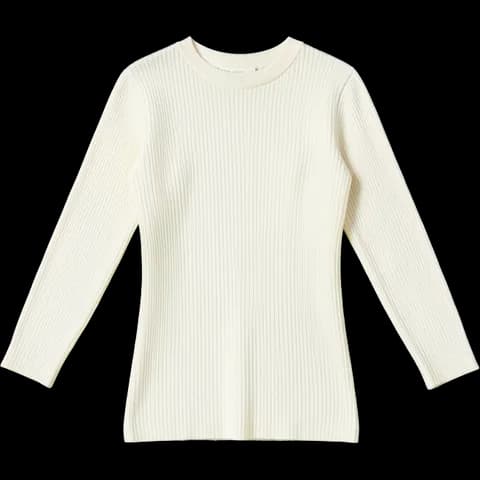 Cream ribbed knit
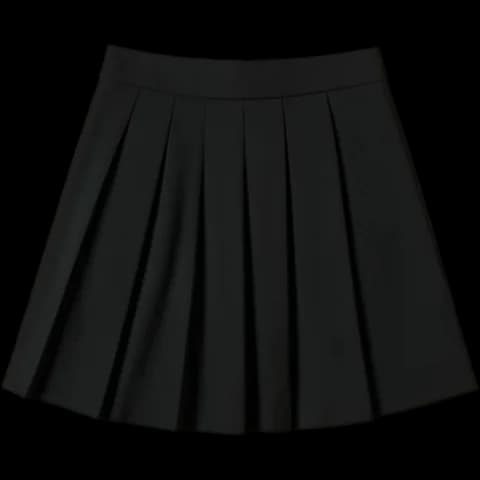 Black pleated mini skirt
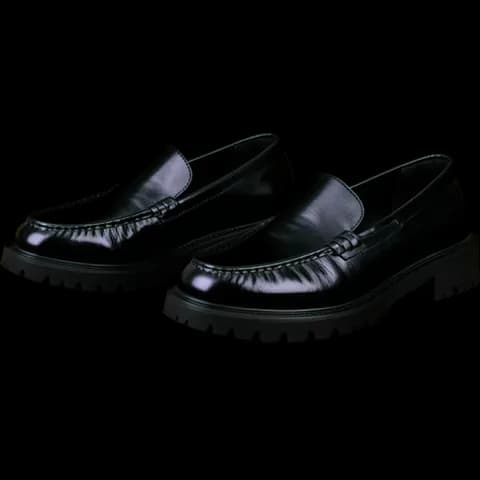 Chunky loafers
Set up in three steps
Add a photo
Lay your clothes on the bed and shoot them with the app's camera, all in one photo or one at a time. Or pick photos of you wearing them from your gallery: up to 20 at once (10 before you link Google or Apple). iPhone photos work too.
Pieces are found
AI separates the pieces in the photo and suggests their type, colour and name. You check them and choose which to add.
Into the showcase
Pieces join your wardrobe with a clean showcase image; the first 10 are ready at once, later ones can take a few minutes. Once your showcases are used up, pieces are added as cut from your photo.
See and use your wardrobe
Rail
Your whole wardrobe on one rail: the piece in the middle turns to face you, and the next one comes as you swipe. Shoes, bags and accessories sit on the shelf.
Grid
Filter by tops, outerwear, dresses, bottoms, shoes, bags and accessories, and see at a glance how many of each you have.
Outfit board
Drop pieces on the board, build an outfit and try it on your own photo in the virtual try-on with "Show on me".
Editing
Change a piece's category, colour and name with "Edit tags" when it was read wrong; a piece you delete leaves your wardrobe with its images.
Wardrobe report
Tap "I wore this today" and you see how much of your wardrobe you really wear: what you wear most and what you never wear. The morning outfit also rests what you've worn lately.
Showcases by plan
- Free
- Showcases for your first 20 pieces; 100 photos a month
- Plus
- 30 new showcases a month (60 in the first)
- Pro
- 40 new showcases a month (60 in the first, 20 of them instantly)
About the digital wardrobe
What is a digital wardrobe?
A list of your clothes kept on your phone with their photos. In Glassrobe the pieces are separated from your photos automatically and tagged with their type and colour; you use them to build outfits, get a morning outfit and try them on in the virtual try-on.
Do I have to photograph each piece on its own?
No. Lay your clothes on the bed and take one shot, or pick photos of you wearing them from your gallery; AI separates the pieces.
How many showcases do I get on the free plan?
Your first 20 pieces. Later ones are added as cut from your photo; on the free plan you can upload 100 photos a month.
Can I fix a piece that was read wrong?
Yes. Change its category, colour and name with "Edit tags", or delete a piece you don't want.
The models and clothing images on this page were generated with AI; they are not real people.