Virtual try-on
Try outfits on your own photo
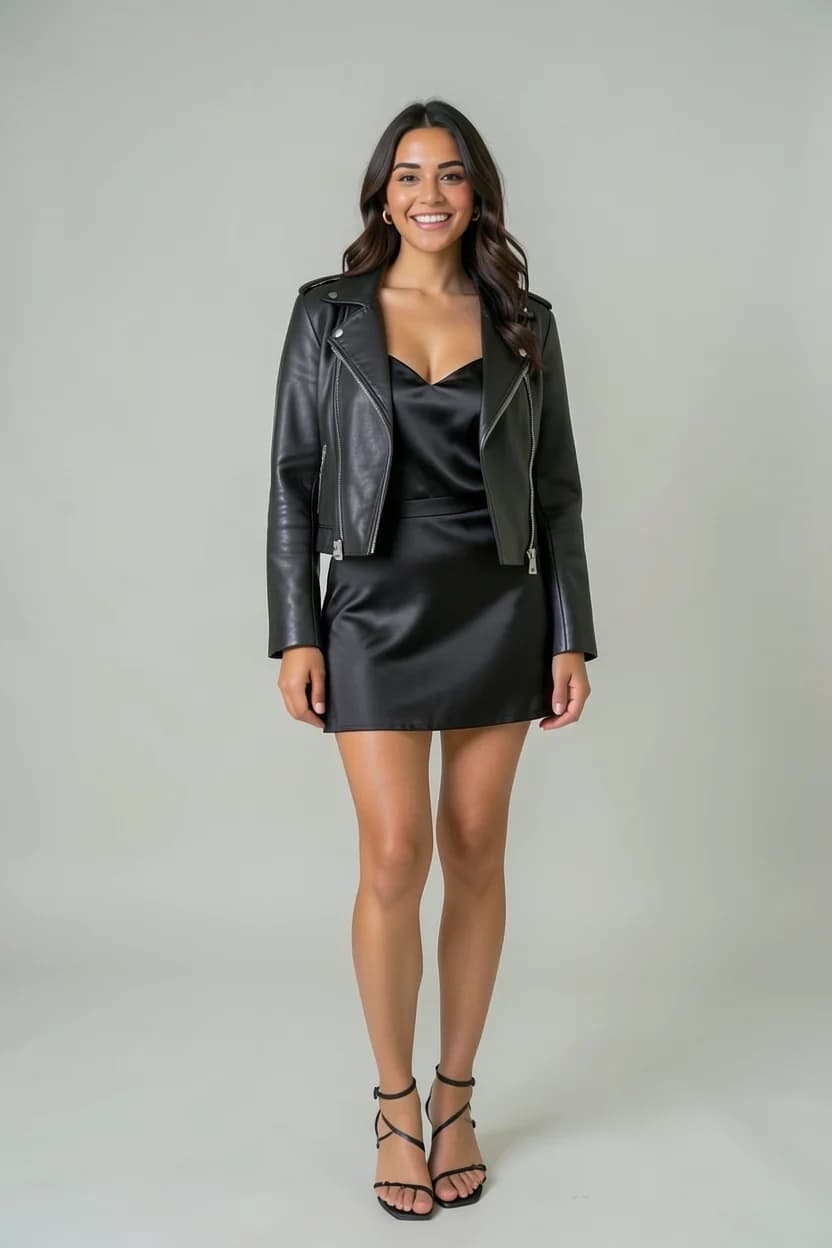
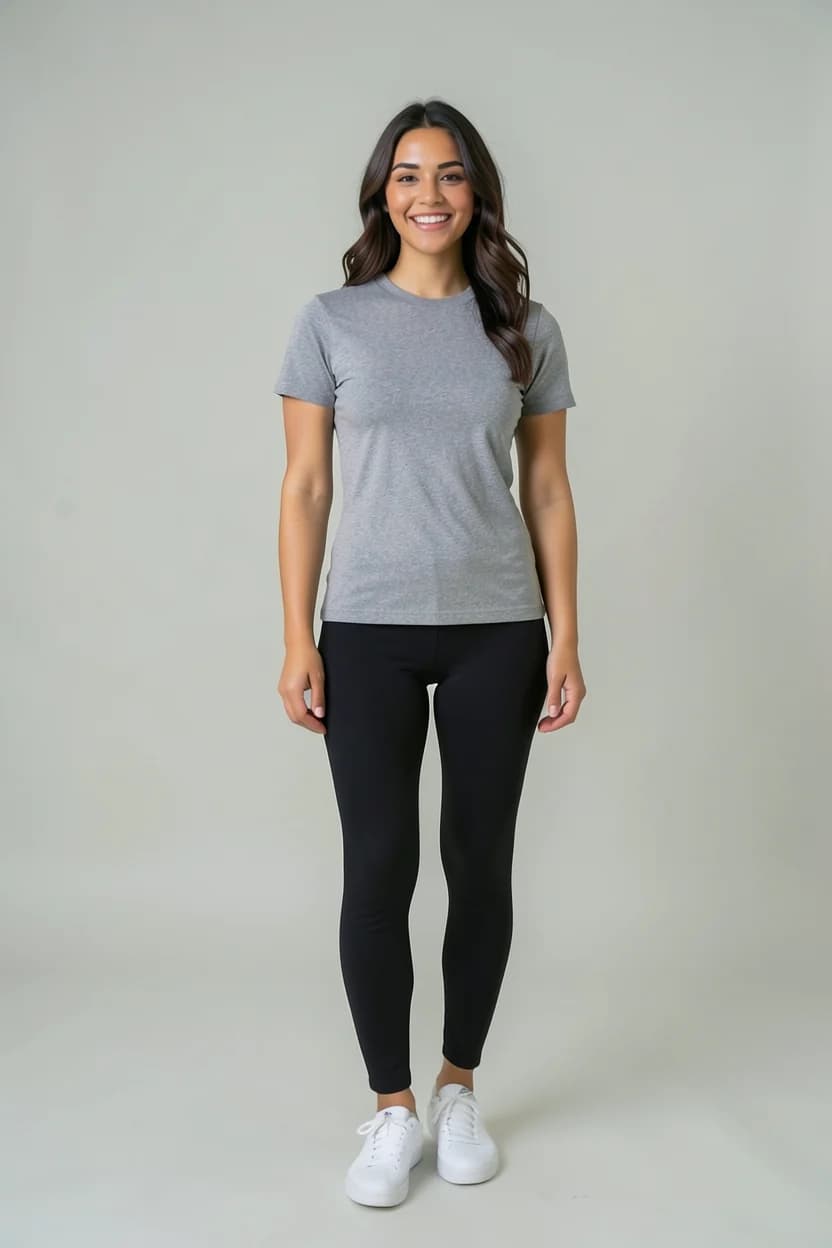
Glassrobe's virtual try-on shows the clothes you add to your wardrobe on your own full-length photo. You pick up to 6 pieces; the mirror dresses you in your photo and turns the background into a studio mirror. Every render is checked against your face and body; one that doesn't match is fixed or drawn once more.
Last updated:


How it works
Add a full-length photo
One person, head to toe, face visible. Body photos need your explicit consent; you can delete the photo and withdraw consent in the app's Profile at any time.
Pick pieces from your wardrobe
Top, bottom, outer layer, shoes, bag or accessory: up to 6 pieces per outfit. An outfit the stylist builds goes to the mirror with "Show on me".
The mirror draws it on you
The clothes and the background change: the background becomes a studio mirror, so your room never shows in the render.
Your face and body are checked
Every render is compared with your full-length photo; one that doesn't match is fixed or drawn once more. If it still isn't right, you see it with a notice.
A good full-length photo
- One person, full length: head to feet in the frame.
- Your face visible: no sunglasses, nothing covering your face.
- Not from too far away: your face shouldn't be tiny in the frame.
- A bright spot: darkness and light from behind spoil the result.
One-tap fixes
When a look is nearly right, fix it without starting over. Each fix uses one try-on.
- Remove the jacket
- Roll up sleeves
- Tuck in
- Untuck
- Write your own
Made for modest dressing too
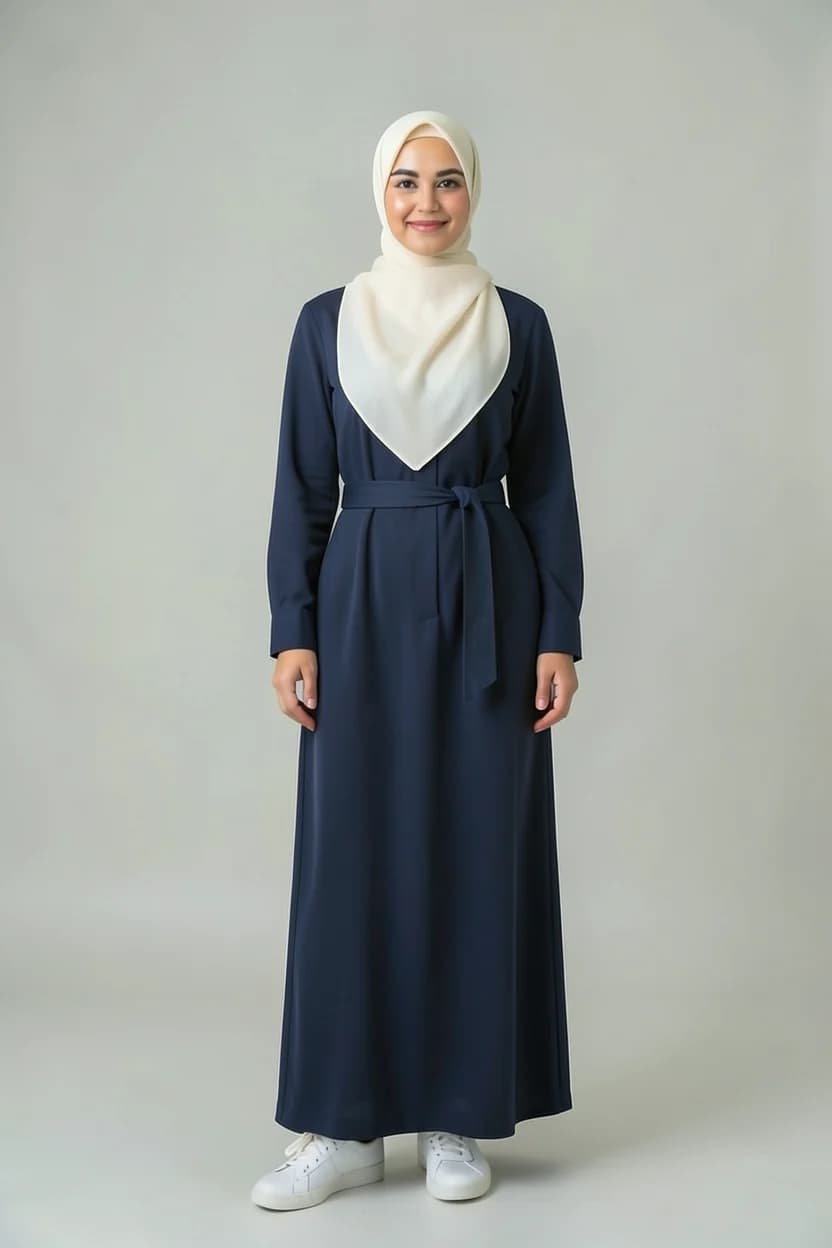
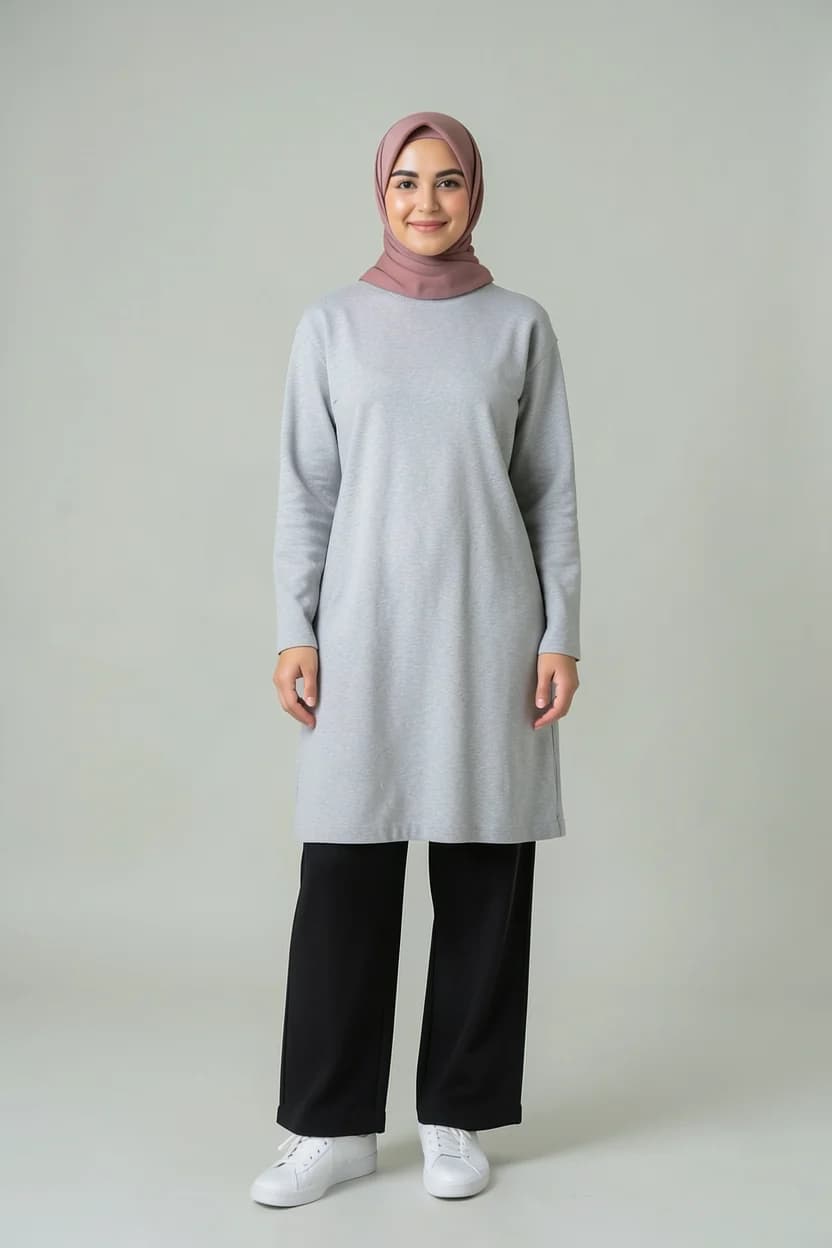
A hijab you are wearing is recognised as its own piece; the mirror keeps it exactly, or re-covers it with another headscarf you pick from your wardrobe, in the same wrap. For someone who covers their hair, the mirror keeps the neck, chest, arms and legs covered: pieces keep their cut, and where they leave skin, a closed collar or a plain layer underneath covers it. Your shoes stay as you chose them.
Virtual try-on for modest dressingMirror frames: nine slim frames, four free, all nine with Pro. The outfit always comes first.
Try-ons by plan
- Free
- 3 welcome try-ons once you link Google or Apple (once per device)
- Plus
- 10 try-ons a month
- Pro
- 20 try-ons a month; an HD look uses 1.5
- Extra packs
- Packs of 5 and 15 try-ons that never expire
About the virtual try-on
Is the virtual try-on really my photo?
Yes, your own full-length photo is used. Each render is compared with your photo for face and body; one that doesn't match is fixed or drawn once more. If it still isn't right, you see it with a notice.
How many pieces can one outfit have?
Up to 6: a top, bottom, outer layer, shoes, a bag and an accessory, for example. They all come from your own wardrobe.
Will my room or background show?
No. The mirror turns the background into a studio mirror; the render shows only you and the outfit.
Where is my full-length photo processed?
AI processing happens at Google (USA). Body photos need your explicit consent; you can delete the photo and withdraw consent in the app's Profile at any time. Details are in the privacy notice.
When does the app come out?
Glassrobe is being built for the App Store and Google Play; we'll announce the launch date on the site. Once it's out, just search for "Glassrobe" in your store.
The models and clothing images on this page were generated with AI; they are not real people.