Modest try-on
Try modest outfits on your own photo
Glassrobe's virtual try-on recognises your hijab as its own piece: it stays exactly as it is, or it is re-covered with another headscarf from your wardrobe in the same wrap. If your hair is covered in your full-length photo, the mirror keeps the neck, chest, arms and legs covered in every look, and pieces keep their cut. There is no setting to turn on.
Last updated:
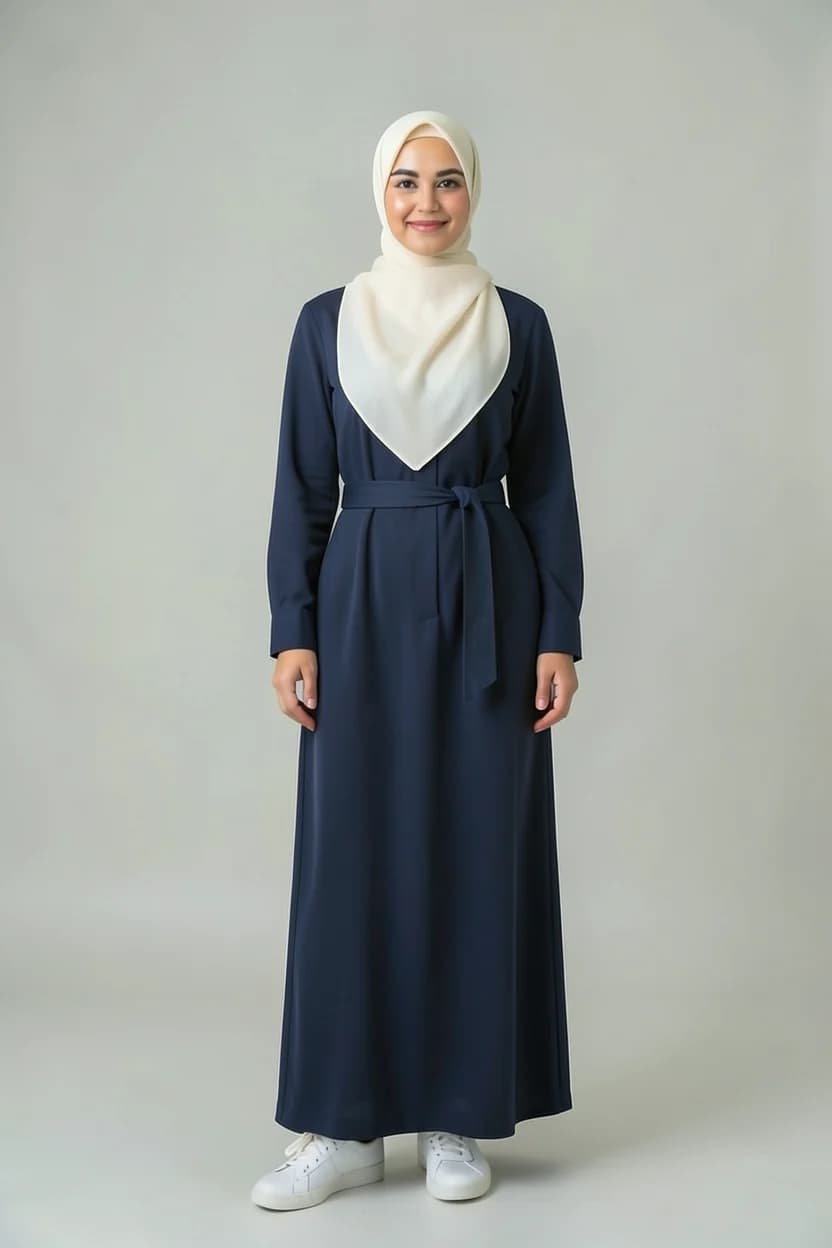
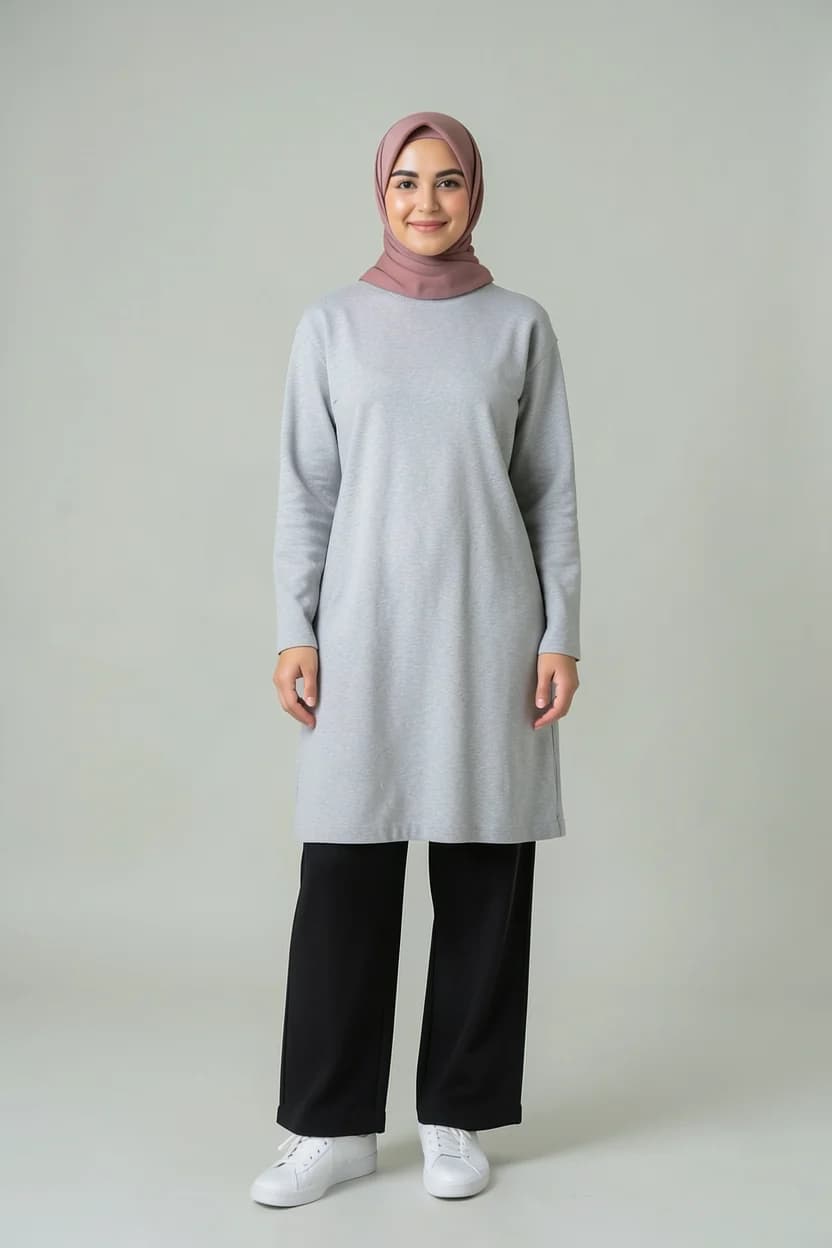

How your headscarf is kept
- The headscarf in your full-length photo is recognised as its own piece.
- If the outfit has no other headscarf, yours stays exactly as it is.
- Pick a headscarf from your wardrobe and the mirror re-covers yours in it, in your wrap: the same folds, the same volume, the same length. No more hair, ears or neck show than before.
- If the new headscarf hangs over your chest like a shawl, the render is caught and drawn again.
No bare skin
- For someone who covers their hair, every look and every fix keeps the neck, chest, arms and legs covered.
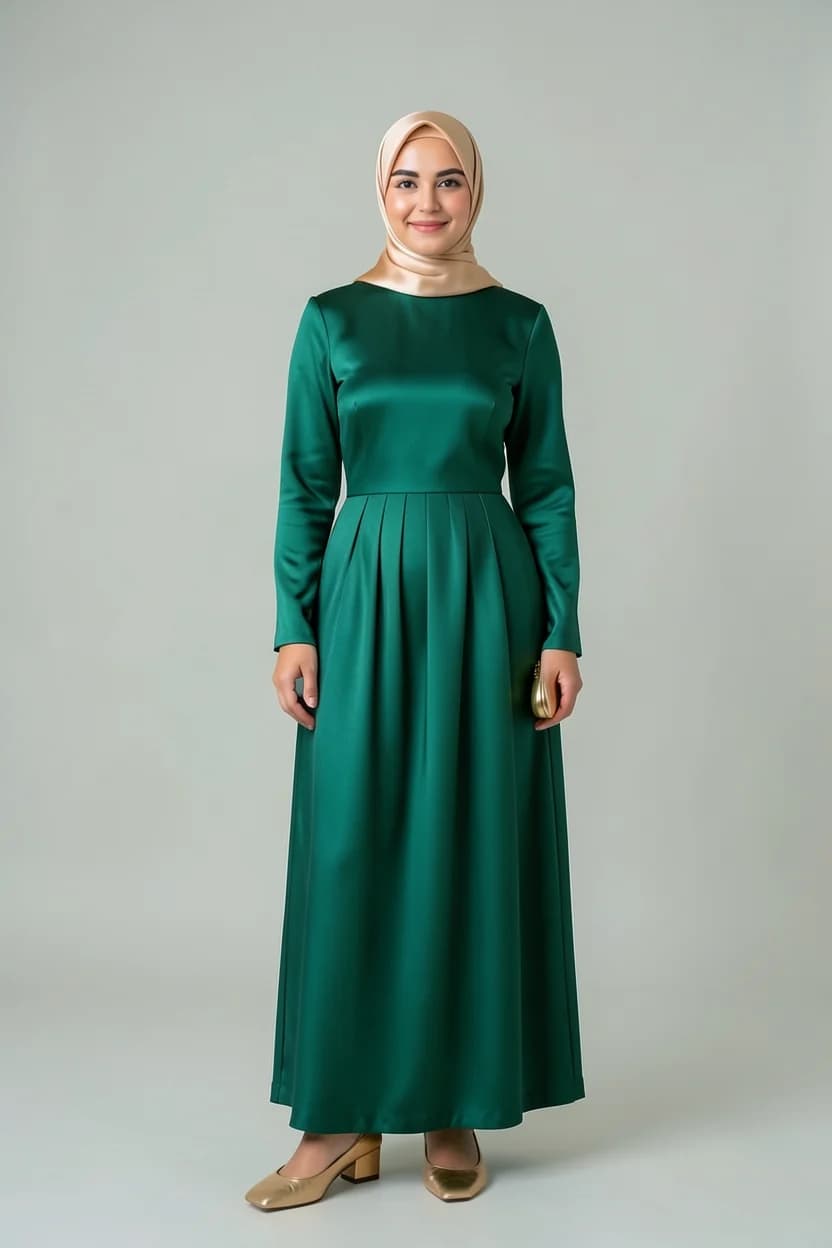
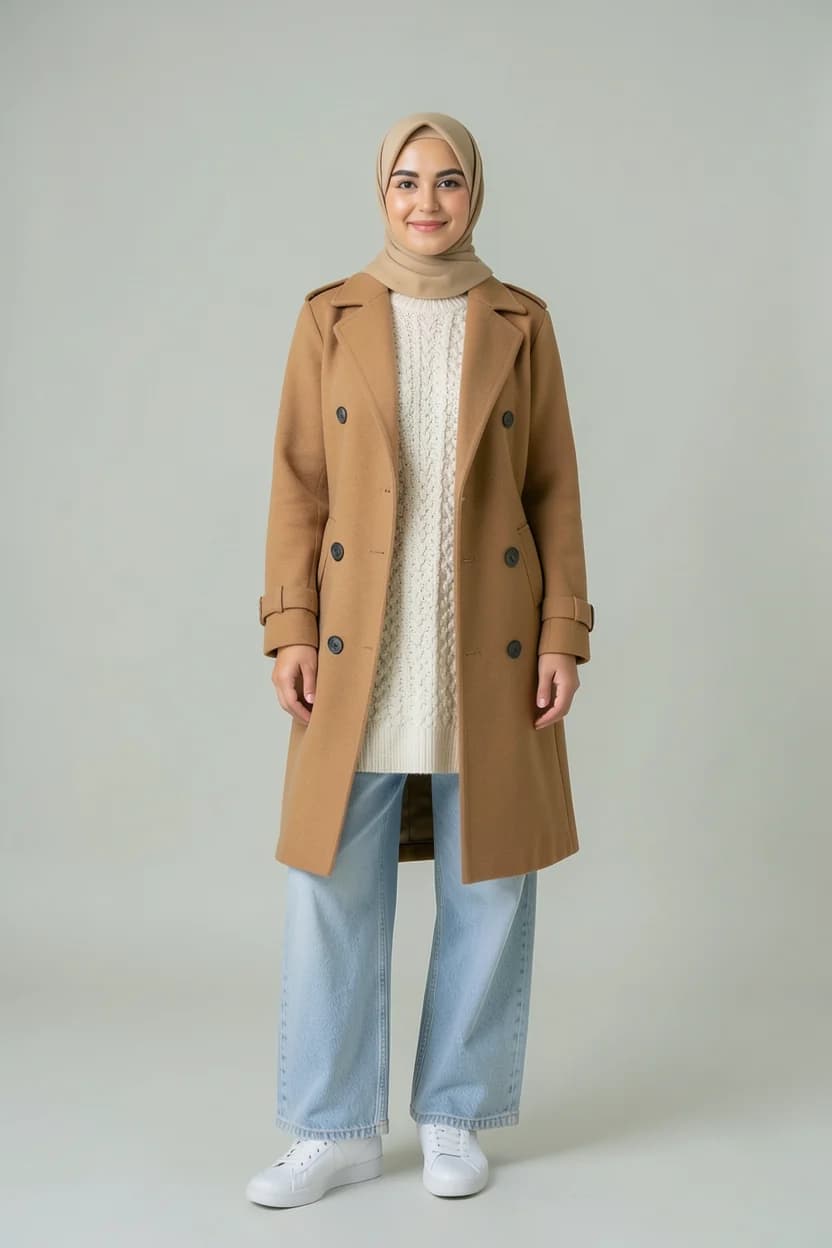
- Pieces keep their own cut, sleeve length and length; where they leave skin, a closed collar or a plain layer underneath covers it, and that layer is never skin-coloured.
- Pick a sleeveless piece and a top underneath is suggested.
- Maxi skirts and dresses are recognised as maxi and drawn at their own length.
- Your shoes and feet stay as you chose them.
One person, different days
- Cool day in town
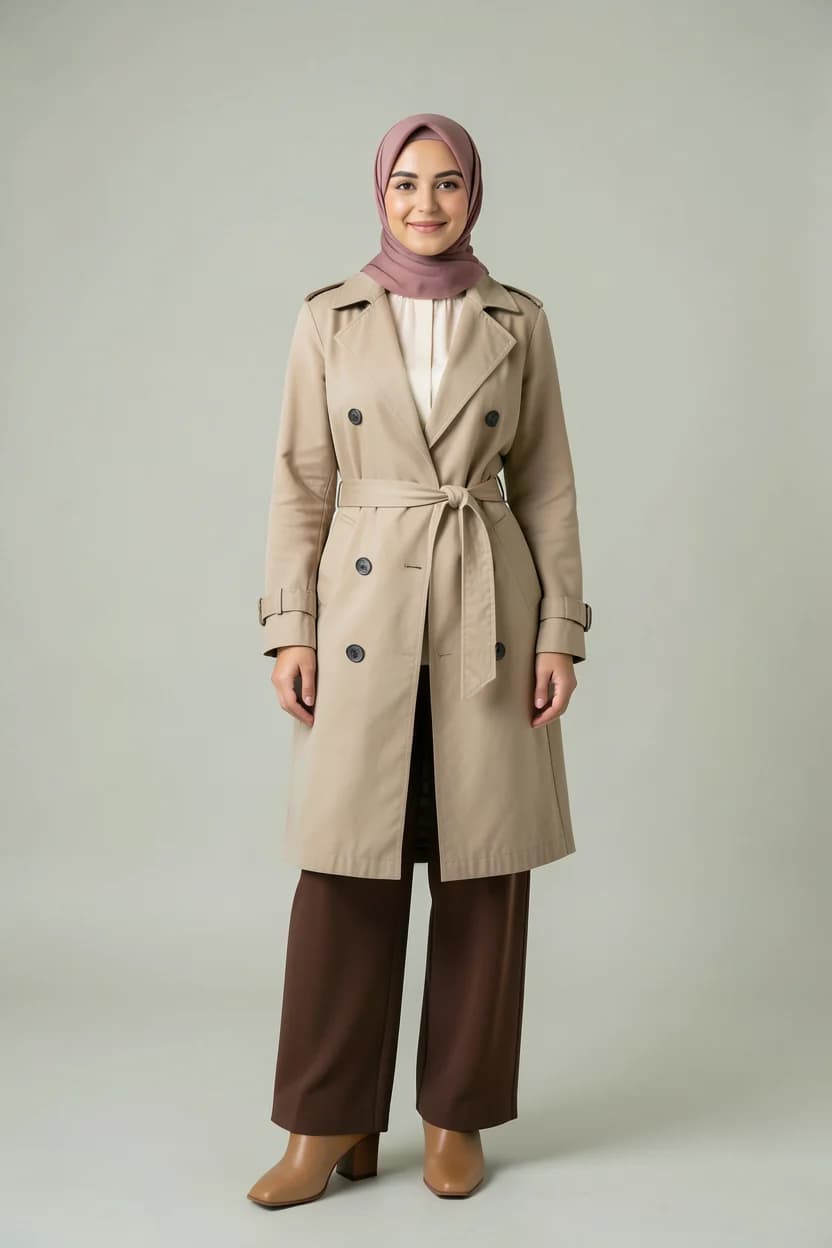
- Engagement party
- Cold weekend
If you wear a niqab
The virtual try-on currently works with a photo where your face is visible. For a full-length photo with a covered face, the app kindly asks for another photo with your face visible; your wardrobe, outfits, stylist and morning outfit stay open as always.
Privacy
Detecting a headscarf and comparing faces count as special-category data. The app asks for your explicit consent for them separately, and you can withdraw it and delete your full-length photos in Profile at any time.
Privacy PolicyModest dressing and the try-on
Can I swap my headscarf for another one?
Yes. Add a headscarf from your wardrobe to the outfit and the mirror re-covers yours in it, in your wrap: the same folds, volume and length.
Will the mirror show my arms or neck?
No. If your hair is covered in your full-length photo, the mirror keeps the neck, chest, arms and legs covered; where a piece leaves skin, a closed collar or a plain layer underneath covers it.
Do I need to turn on a modest setting?
No. The headscarf is read from your full-length photo; the app asks for your explicit consent for that separately.
Can I use it with a niqab?
The virtual try-on currently works with a photo where your face is visible. Your wardrobe, outfits, stylist and morning outfit stay open either way.
The models and clothing images on this page were generated with AI; they are not real people.